
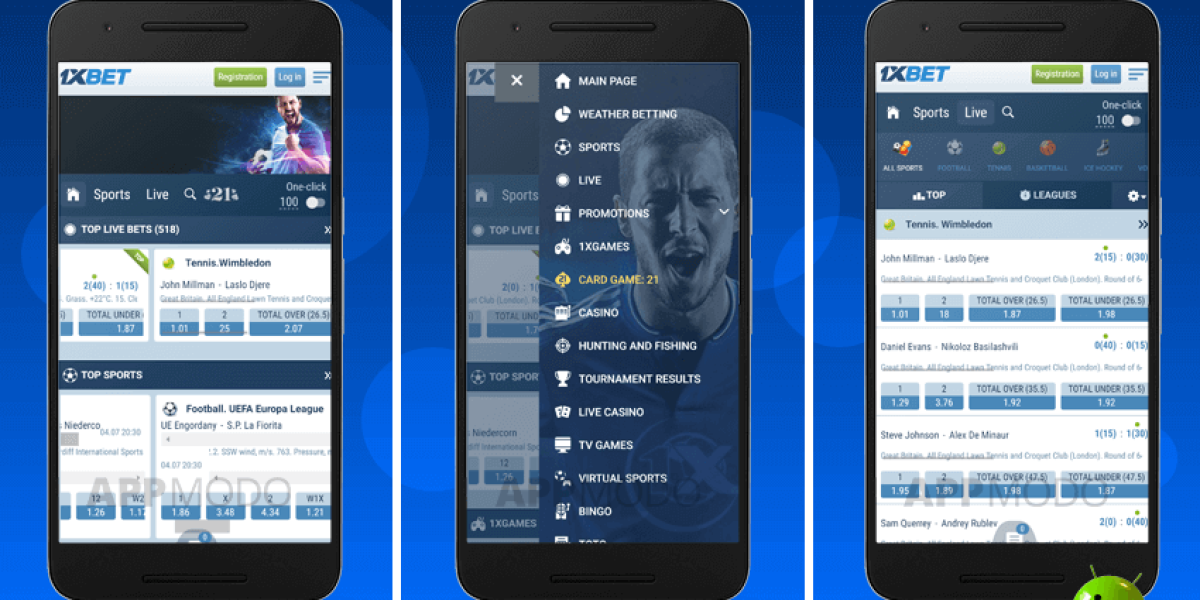
1xBet Mobile APK: How the App and the Site Work Together
Looking for the 1xBet APK for Android? You get the same betting account you use on the website, but now in a downloadable app that keeps you logged in and sends match alerts even when your connection drops. This guide covers what the APK actually is, how to install it safely without Play Store, how updates reach your phone, and why switching between the app and mobile site never interrupts your bets or balance.
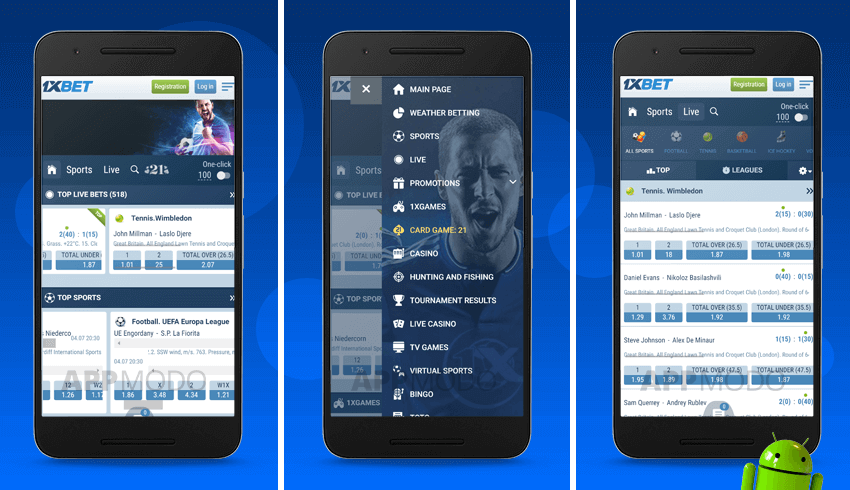
Before You Download
A few quick checks prevent most installation headaches. Your phone needs Android 5.0 or newer, which covers nearly all devices from the last several years. Free up roughly 100-160 MB of storage; the APK itself is smaller, but the app expands after first launch and update checks.
Decide where the file will come from. The 1xBet site hosts its own APK, which is the standard route. Third-party mirrors exist, but certificate mismatches on those files often trigger security warnings or outright block installation. Sticking to the source site keeps the signing chain intact.
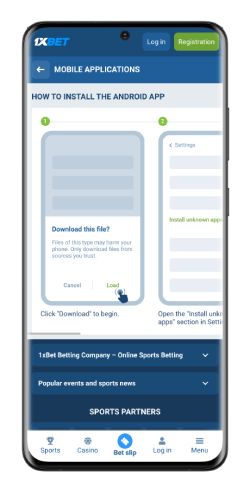
Your phone probably blocks apps from outside the Play Store by default. Android now grants unknown-source permission per app rather than globally. You will enable this for your browser or file manager during installation, then you can revoke it immediately after. This permission does not stay open permanently.
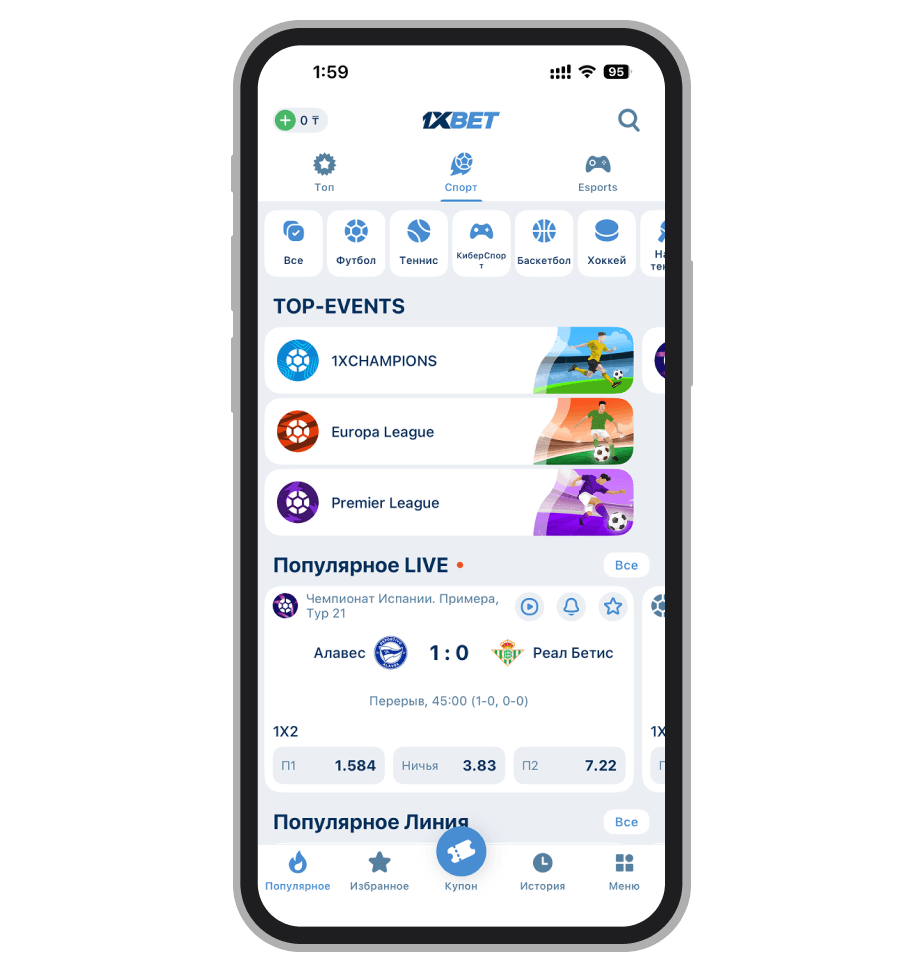
Getting the File Onto Your Phone
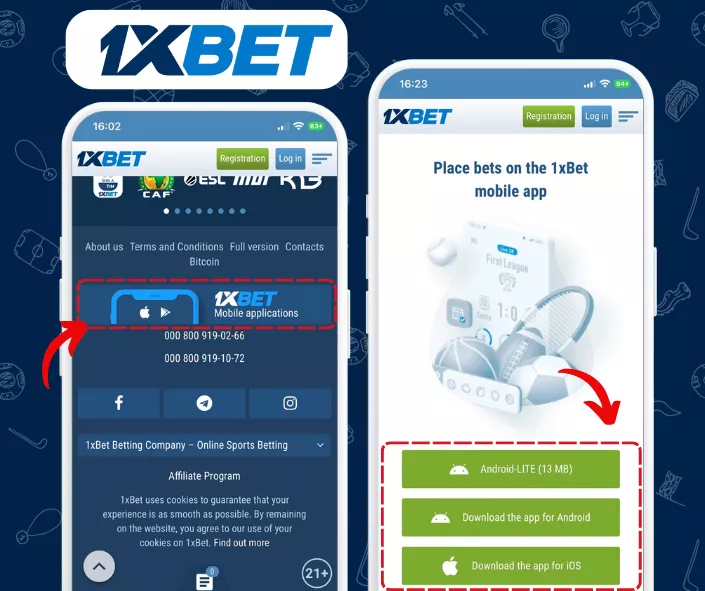
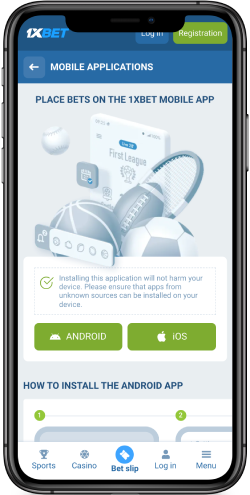
The download starts from the mobile site. Open your browser, load the 1xBet homepage, and look for the Android app prompt. This usually sits near the top of the page or inside a mobile apps section marked with a green robot icon.
Tap the download button once. Your browser should fetch the APK automatically. If nothing happens, check the notification bar for a blocked-download warning, then tap to allow it. A steady connection matters here; interrupted downloads sometimes leave corrupted files that fail silently during installation.
Once the file lands, it sits in your Downloads folder unless your browser redirects it elsewhere. You can verify the fetch succeeded by opening your file manager and checking the timestamp. The 1xbet android apk to install option on the site refreshes frequently, so the package you get should match the current release.
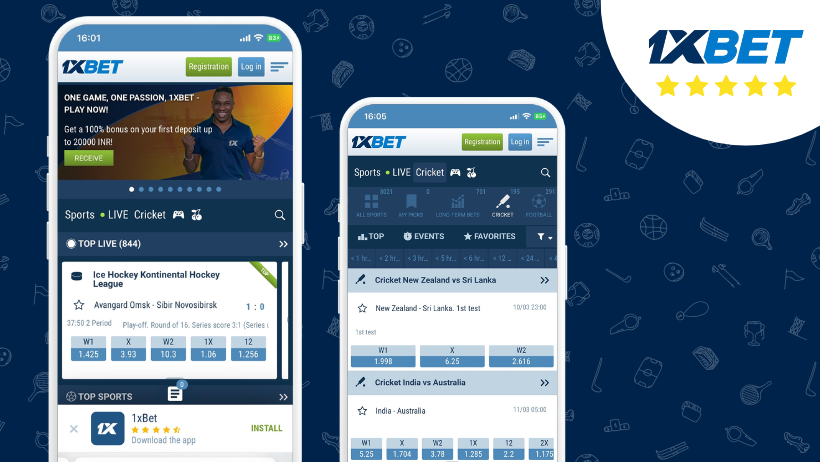
Installing and Updating
Installation requires that one-time permission shift. When you tap the APK, Android asks which app can install it. Select your browser or file manager, then toggle the permission on the next screen. The install proceeds immediately.
If you see a “package appears to be invalid” error, the download likely truncated. Delete the file and fetch it again on stable Wi-Fi. Another common block is an existing 1xBet app signed with a different certificate; Android refuses to overwrite these. Uninstall the old version first, though this wipes any locally saved data like cached odds or draft bets.
Updates arrive the same way. The app may notify you, or you can check manually by revisiting the site download page. New APKs must carry the same certificate as the installed version or the update fails. When in doubt, uninstall and reinstall fresh.
What the App Actually Does
The app covers the full betting stack: pre-match sports, live in-play with shifting odds, casino games, and account management. The sportsbook loads faster than the mobile site because assets are stored locally. Live betting benefits most from this; odds refresh without waiting for full page reloads.
Push notifications are the clearest advantage over the browser. The app lets you configure notifications for kickoffs, goals, and completed wagers. The mobile site cannot do this without keeping a tab active.
Payment methods, deposit history, and withdrawal requests all sync between app and site instantly. Your balance, open bets, and bonus progress live on 1xBet’s servers, not your phone. This means you can place a bet in the app, switch to the mobile site on another device, and see the same ticket. The code signing on the APK ensures the app you run is the one the operator released, which matters for any software handling real money.
| Feature | App | Mobile Site |
|---|---|---|
| Push alerts | Yes | No |
| Offline browsing cached odds | Partial | No |
| Biometric login | Yes | Browser dependent |
| Live streaming | Yes | Yes |
| Same account/wallet | Yes | Yes |
The casino section runs slots and table games within the same interface. Some regions restrict certain game providers, so the catalog varies by location. Responsible gambling tools—deposit limits, self-exclusion, and reality checks—are reachable from the account menu in both app and site.
When Something Goes Wrong
Most problems trace to three causes: bad downloads, permission confusion, or certificate conflicts. Start fresh if installation stalls: delete the APK, clear your browser cache, and re-download on stable Wi-Fi.
If the app installs but crashes on launch, check whether your Android version matches the app’s minimum. Older phones sometimes run out of memory during heavy live betting sessions; closing background apps helps.
Update failures usually mean certificate mismatch. The app refuses to overwrite itself with a build from a different signer. Uninstall completely, then reinstall from the site. Remember this clears local data only; your bets and balance remain on your account.
The mobile site remains a reliable fallback. It needs no installation, works on any browser, and accesses the same wallet and betting markets. Speed lags slightly, and you miss push alerts, but for quick checks or one-off bets it performs adequately.
FAQ
Why does the app need unknown-source permission when the site works without it?
Google Play does not distribute gambling apps in most regions, so 1xBet distributes its APK directly. Android treats any non-Play install as unknown-source. The permission applies only to the specific app (your browser or file manager) that triggers the install, and you can revoke it immediately after.
Can I use the app and mobile site with the same account simultaneously?
Yes. Your login credentials work everywhere. You can place a live bet in the app, switch to the mobile site on a tablet to watch the match tracker, and both sessions stay active. The account state is server-side, so nothing desyncs.
If I remove the app, what happens to my bets?
Nothing. All wager history, open tickets, and account balance live on 1xBet’s servers. Uninstalling removes only local data like cached odds, saved login sessions, and notification preferences. Install it again, then log in and you’ll see everything exactly as you left it.
Why do some updates fail even when the APK downloads correctly?
Android requires update packages to carry the same digital signature as the installed app. If you originally installed from one source and try to update from another with a different certificate, the system blocks it. Uninstall and reinstall from a single trusted source to fix this.
Is the mobile site a full replacement if I cannot install the app?
For betting and account management, yes. The mobile site loads all sports markets, live odds, casino games, and payment options. You lose push notifications and the slight speed advantage of local caching, but the core functionality is identical. Many users keep both options bookmarked.